
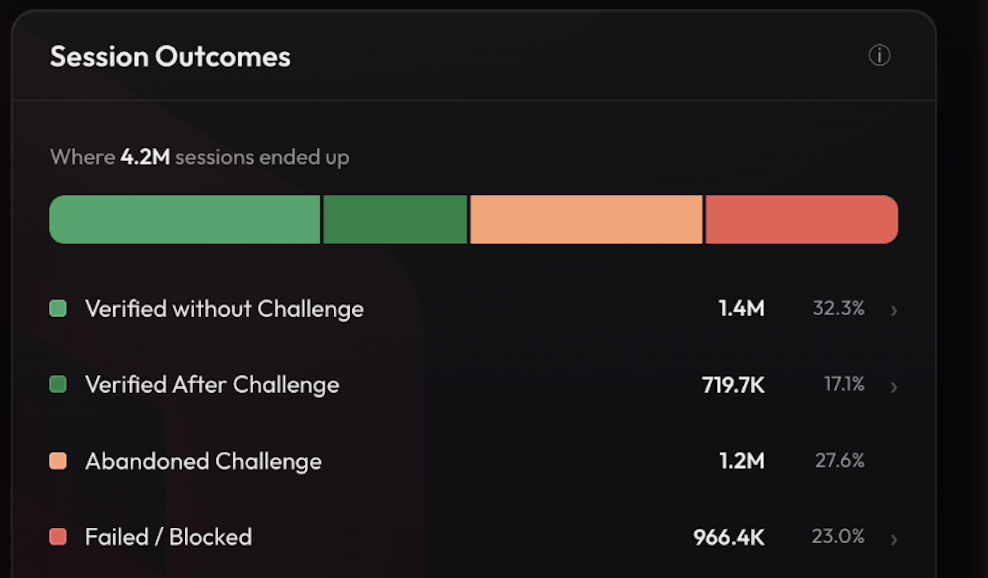
Every fraud team has lived some version of this: an alert fires, traffic looks off, and the next 30 minutes disappear into dashboards, filters and exports, assembling a picture the data already contains.
That has gotten harder in the last few months, because there is a new question in the queue and most teams cannot answer it. Agents are now transacting on behalf of real customers, at consumer scale, and they do not announce themselves when they arrive. Our CEO Kevin Gosschalk has written about what that means in Population Two Arrives and Agentic Commerce Didn't Wait for APIs. Both posts end with the same piece of homework: can anyone on your team say how much of yesterday's traffic was agentic, which endpoints it reached and what it did?
For most teams the honest answer is no. Not because the program is failing, but because the answer sits three exports and a data request away.
Arkose Agent Trust Manager is what produces that answer. It detects and classifies agent traffic at a level of detail bot detection on its own cannot reach. Not simply human versus bot, but which agents arrived, how they behaved and what happened at each step. Our research team tested five of those agents across four layers of a session and found that each one hides somewhere, and none hide everywhere. Arkose Command Center MCP is how your team asks for it, in plain language, from the AI assistant they already use.
"How much of yesterday's login traffic was agentic, and what did it do?" "Which agents reached our checkout flow this week?" "Walk me through this session." The answer comes back in seconds, grounded in your own account data, not a generic model guess.
The same applies to the questions you were already asking. Ask why a session was flagged and the answer names the detection signals that triggered it. Ask for your top signals by volume and you get a ranked list with solve rates alongside it. No report to build first.
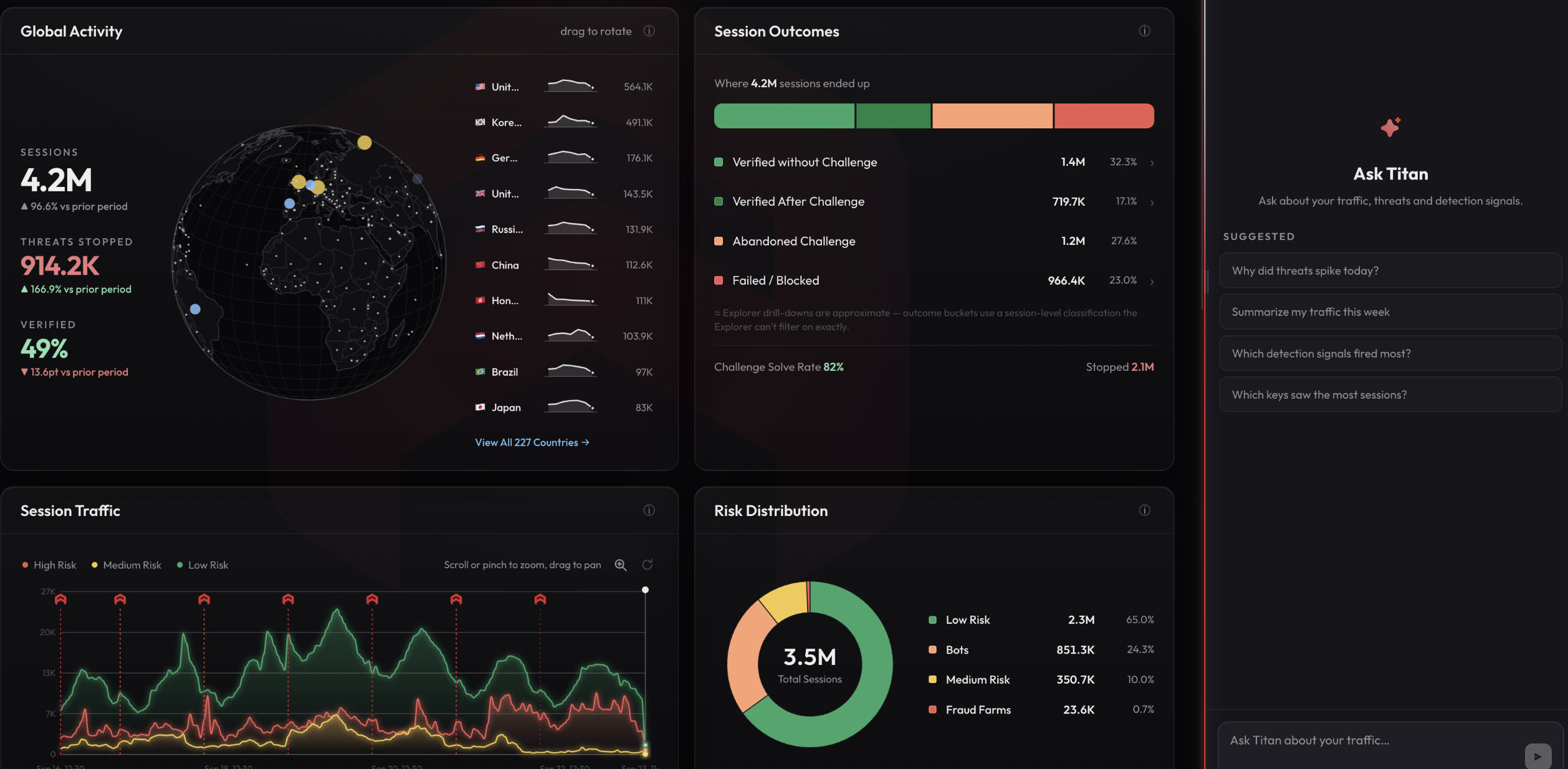
What that looks like in practice:
- Which agents, not just how many. Agent Trust Manager names the agents reaching your flows and what they did when they got there, rather than sorting traffic into human and bot.
- Every flow judged separately. Login, signup and checkout each get their own answer, because an agent you want to welcome at search is a different decision at payment.
- Your existing identity and roles. An org admin connects it once for the whole account, with no API keys to manage. Everyone then signs in as themselves and sees exactly what their Arkose role already allows.
- Read-only by design. Teams can query and investigate freely, but nothing, not keys, rules or settings, can be changed through the assistant. That's a deliberate trust boundary, not a missing feature.
There's a bigger shift underneath this. When agents act on behalf of real customers, the population of your traffic stops being a fixed property of who is calling and becomes something that changes per session, per endpoint, per moment. Which means the question is no longer whether traffic is automated, but which agent it was and whether it should be doing what it just did. That is the question Agent Trust Manager exists to answer, and it's a natural extension of what Arkose Labs has always been about: knowing who and what you're dealing with, and acting on it in the moment.
The Command Center MCP connection is available to every Arkose Labs account. Agent Trust Manager surfaces the agent detail, which you see in the Command Center and can reach through MCP from your assistant. Coverage of newly emerging agents expands as our detections do.
Want to know which agents are reaching your flows?
Talk to your account team about Agent Trust Manager, or watch the walkthrough to see Command Center MCP answering real questions.